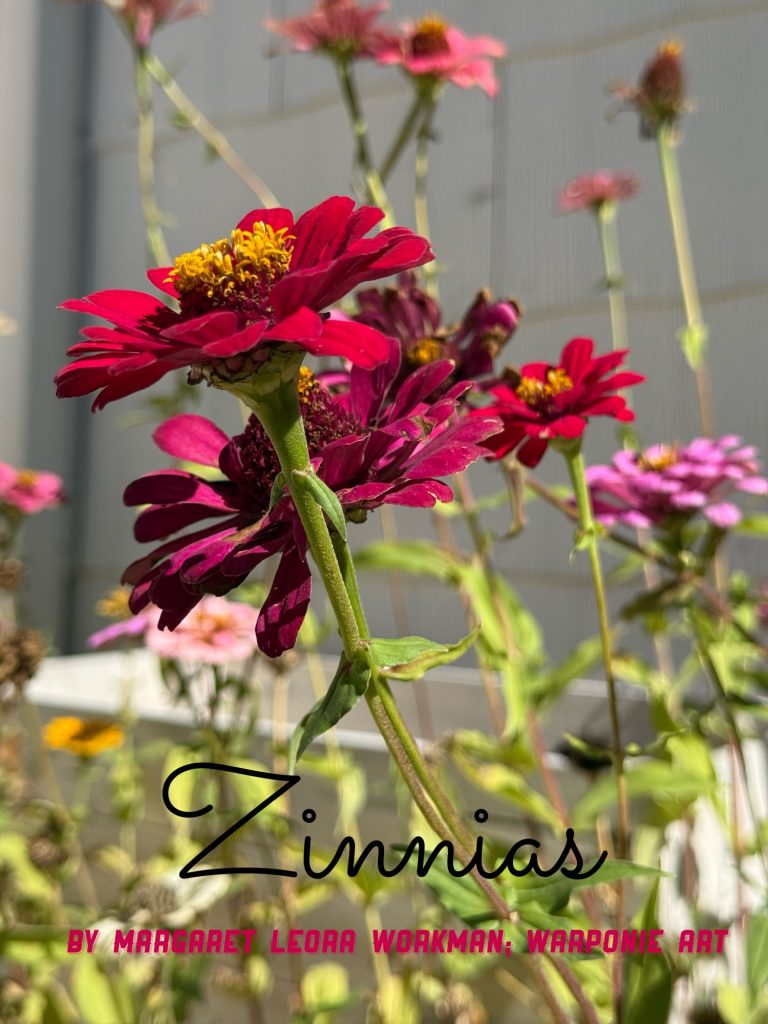

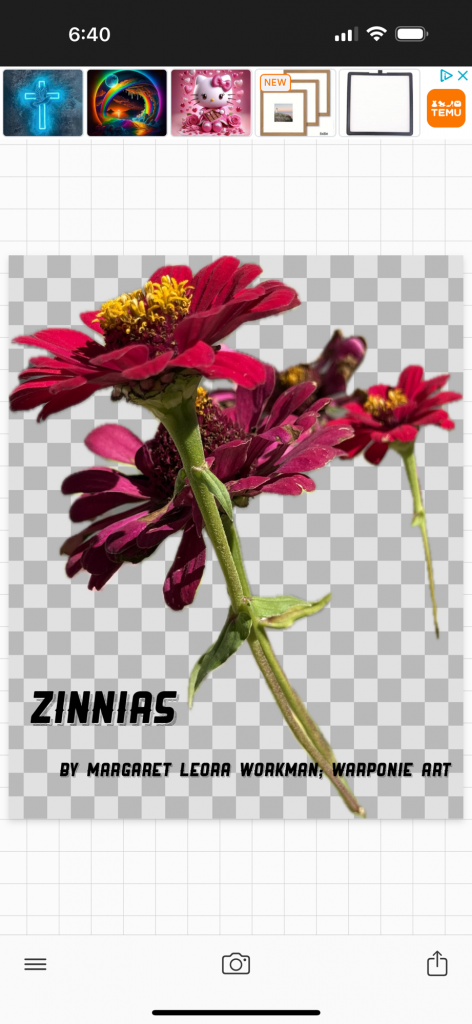
I thought the background was going to be black but it came out white. In my last post I explained how to highlight images in pictures and then save them. Sometimes it’s white or black and sometimes the checkerboard shows through instead when you are in phonto but i don’t think it’s from phonto because it’s not a choice that they offer. It just shows up and then disappears if you don’t take a screen shot. But the white or black seems to have a mind of its own as well!
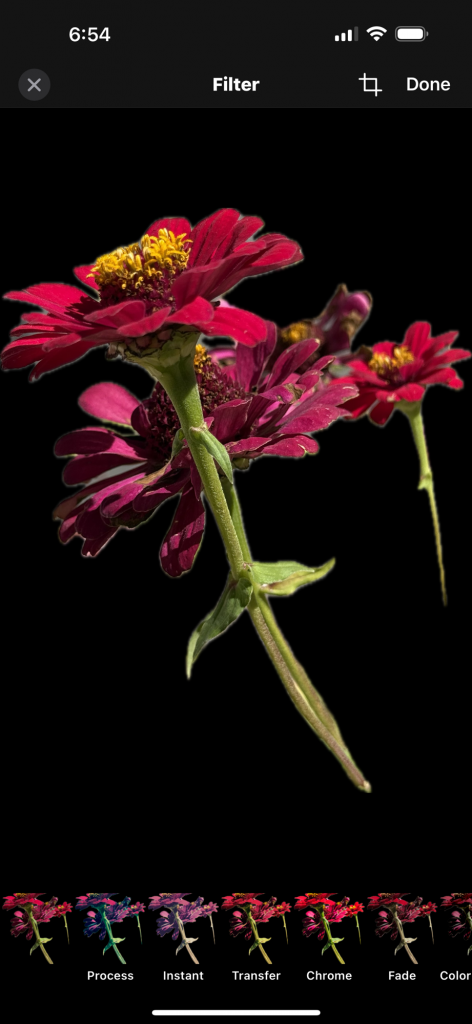
I had to screen shot this in phonto to get it to stay black or else it just turns to white. It’s sort of fun and interesting if you don’t mind things changing unexpectedly. I actually get super frustrated about it because it does it at will! I just have to remember it’s art, right?
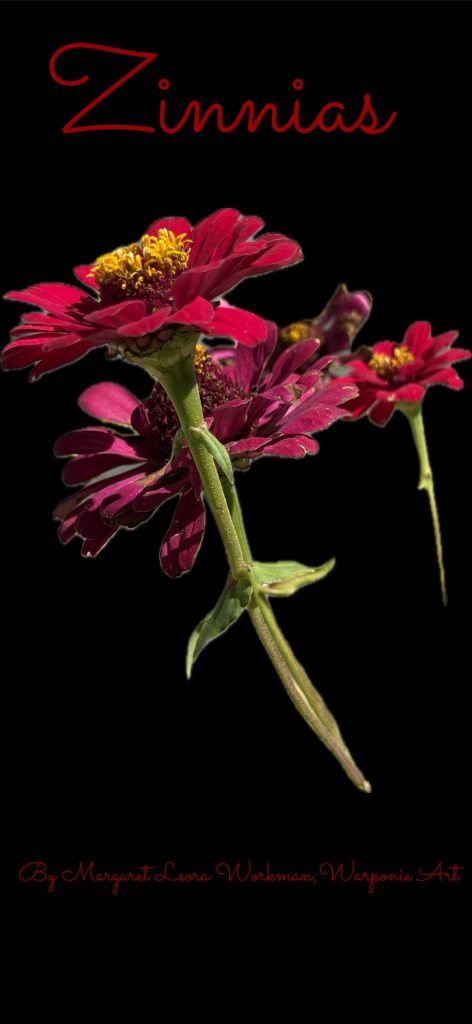
Here is the same one but I added an item, chose a square, then changed the width to a rectangle to cover over the top and bottom. Then when you click on the pic to add text move the text over the black rectangle. you can change the color of the rectangle after you click on it
Leave a Reply