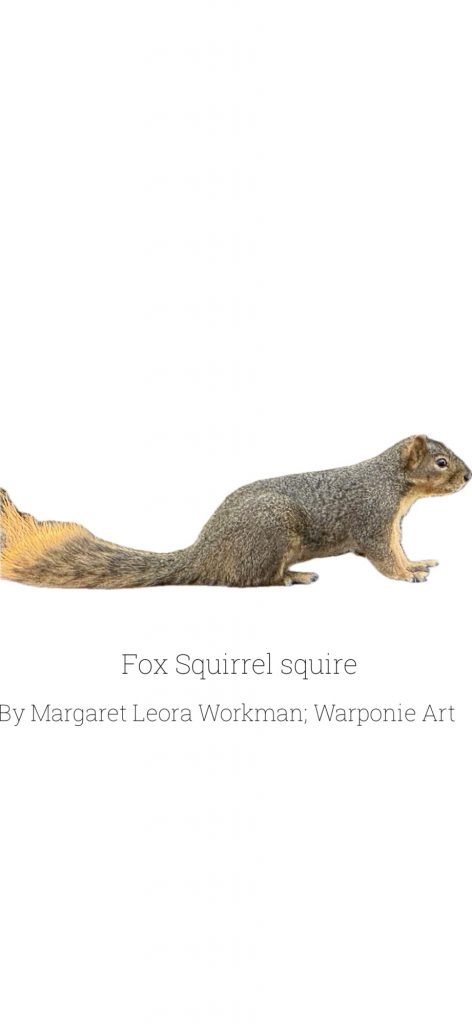
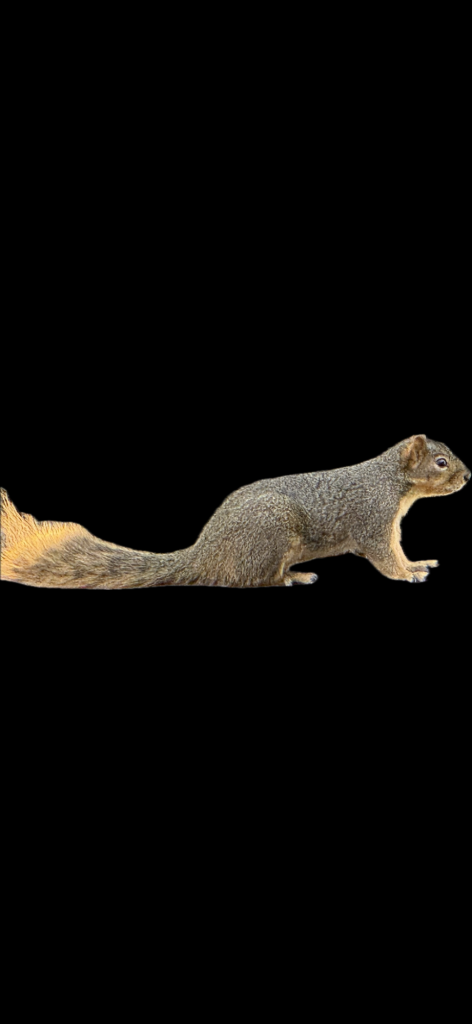
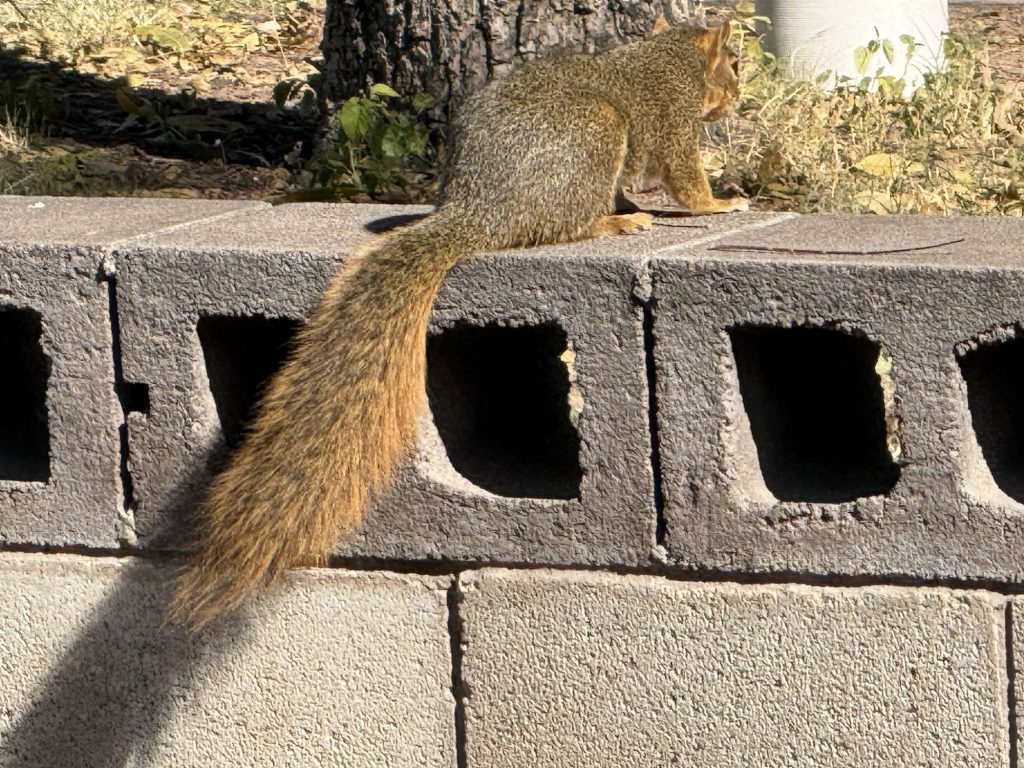
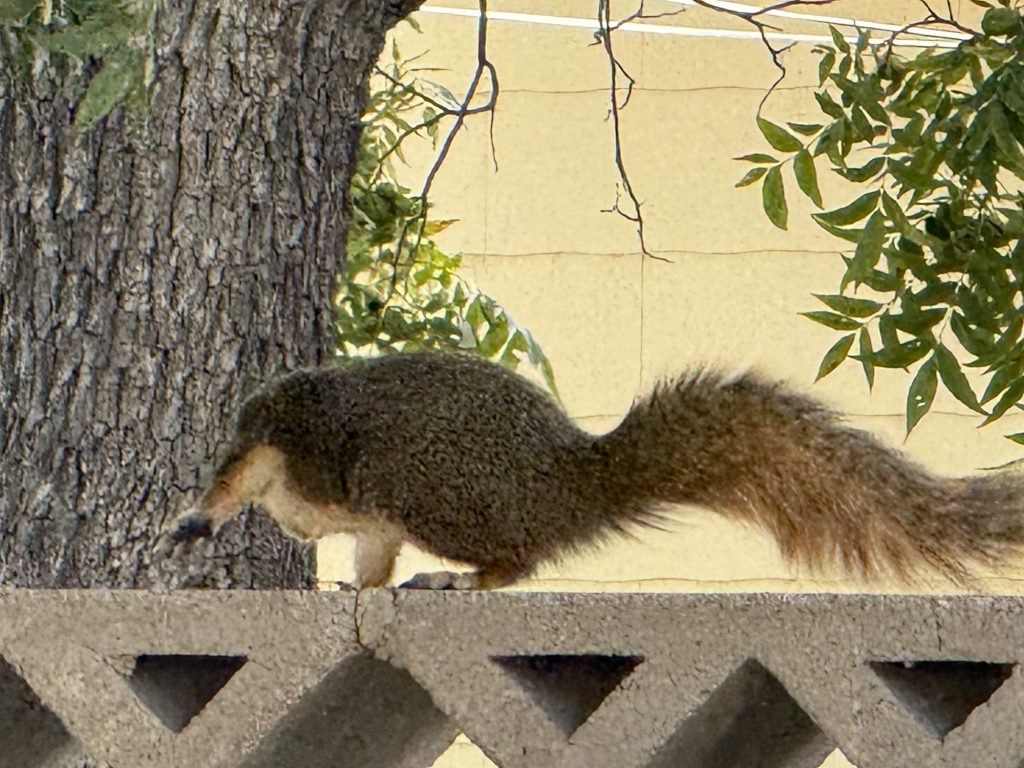
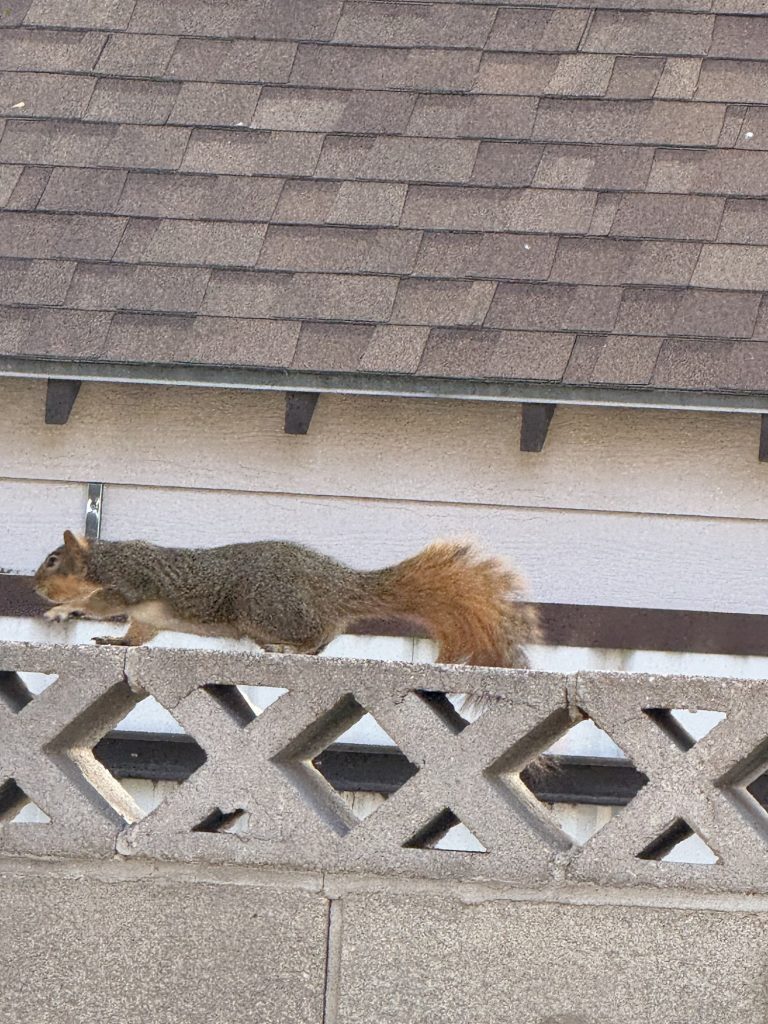
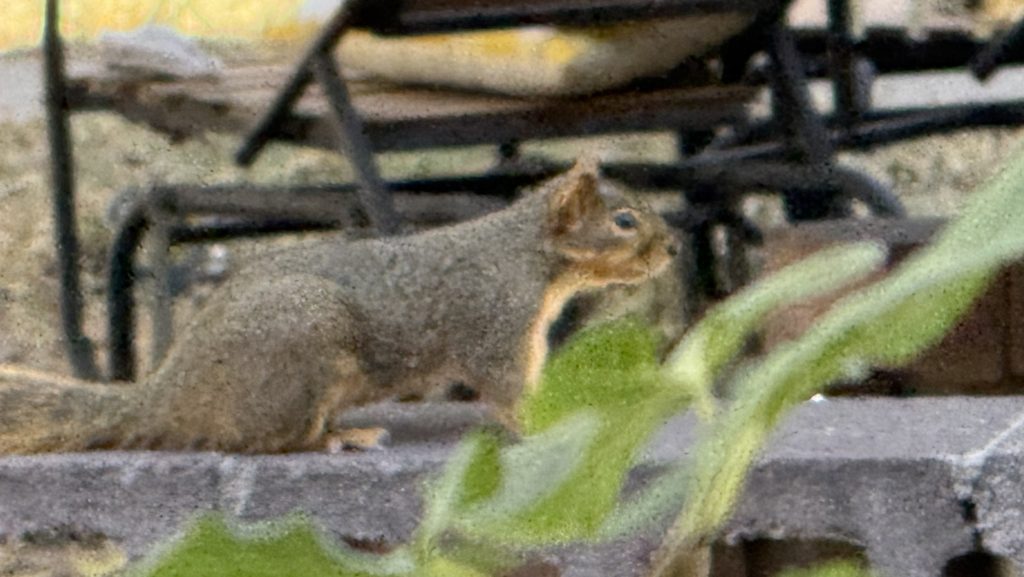
These are squirrels that I saw today. I didn’t like the background. I know there are other ways to remove it I am guessing! But since I have an iPhone all yuh have to do is move your finger up in the pic and it will show info on other stuff. Then press in the image it will highlight it and just pick copy. Click on the image again and share then save image to photos. If you want the background to stay white you have to screen shot it otherwise it will be black when you try and label it. It will be white but won’t stay that way. If you use that one in phonto sometimes a checkerboard design shows up but it won’t stay that way after you label it and send it back to photos it will still be white so you have to screen shot it again with the checkerboard design. Then when you go back to phonto and choose that photo it will have phonto ads on it. Just click on the three lines icon in the lower left and choose to add an item. It will take you to shapes. Choose a square and add it onto the pic. Then you can click on the square to change the size and color . You can make it into a rectangle to cover the phonto ads. Then choose white and it looks like they are not there at all. Then click the pic again to add text choose font to change the letters to a different font. You can choose the arrow of that grid and it will take it to other choices as well. Send to your pictures by clicking the box with the arrow. Done
Leave a Reply