
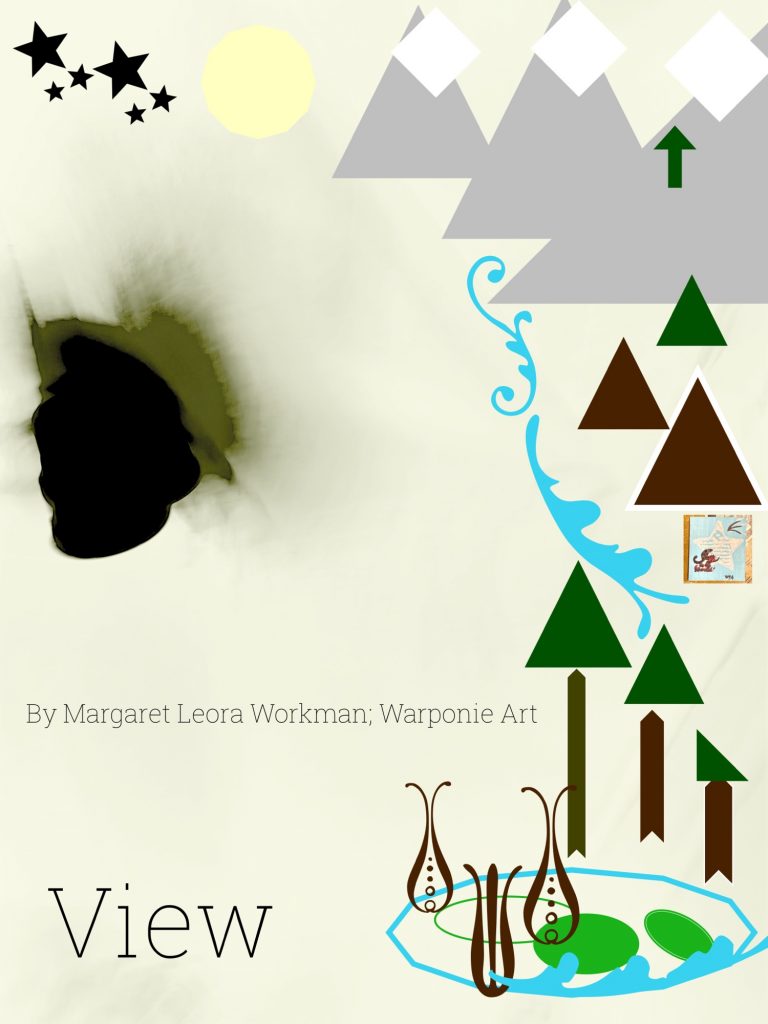
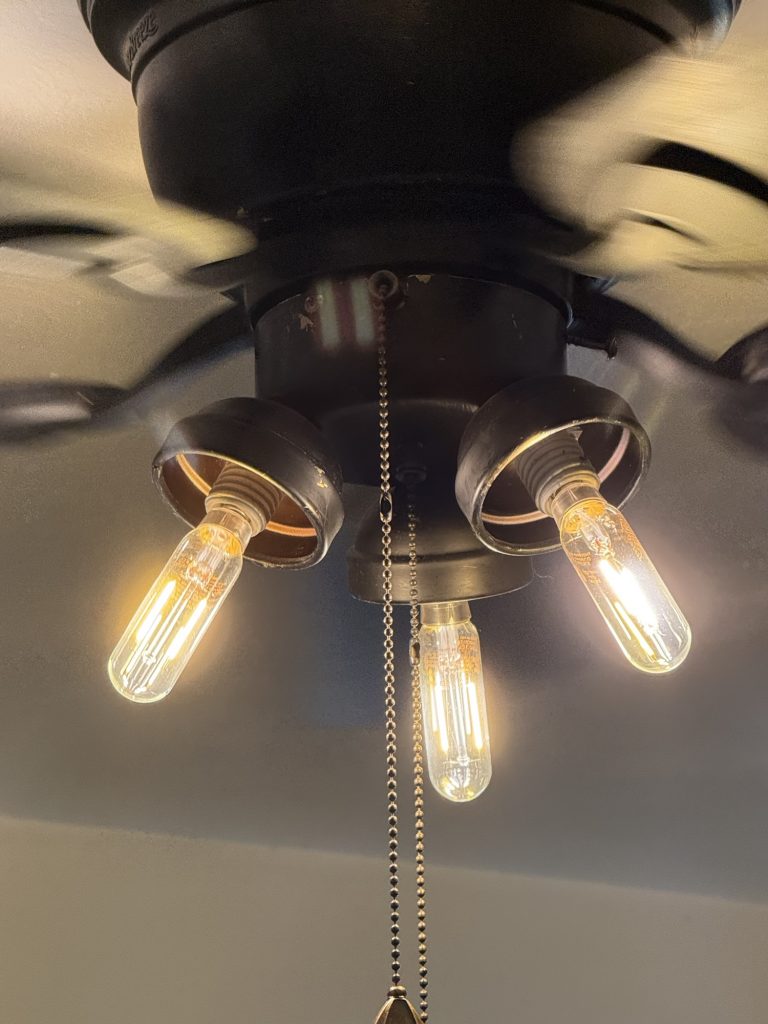
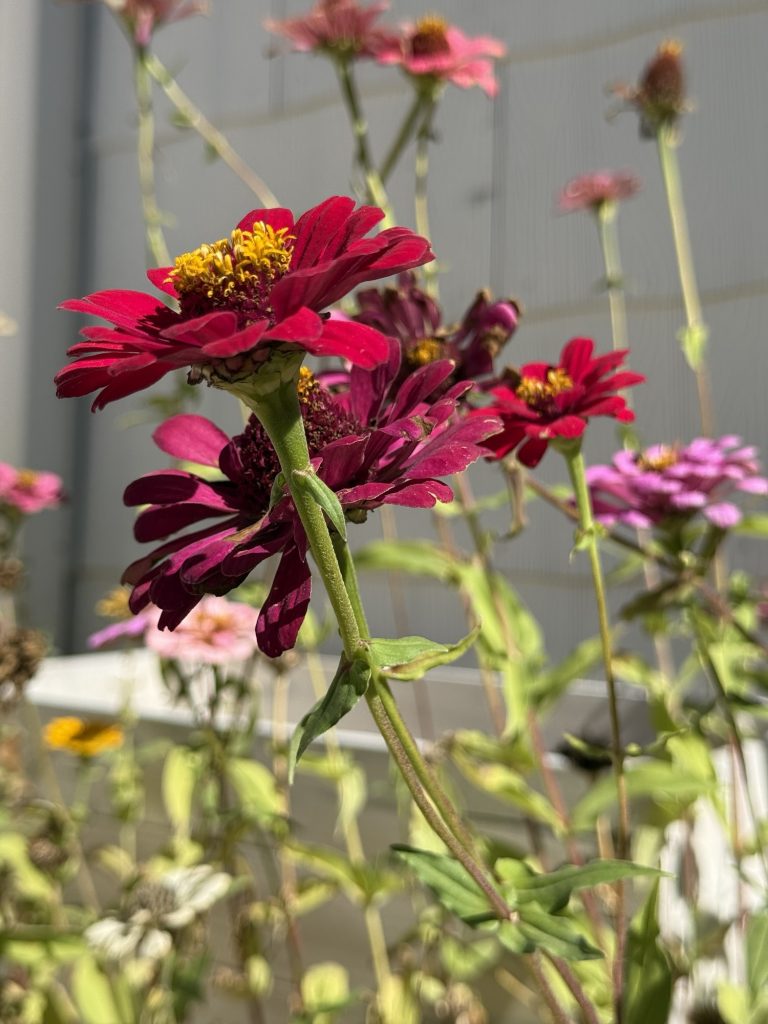
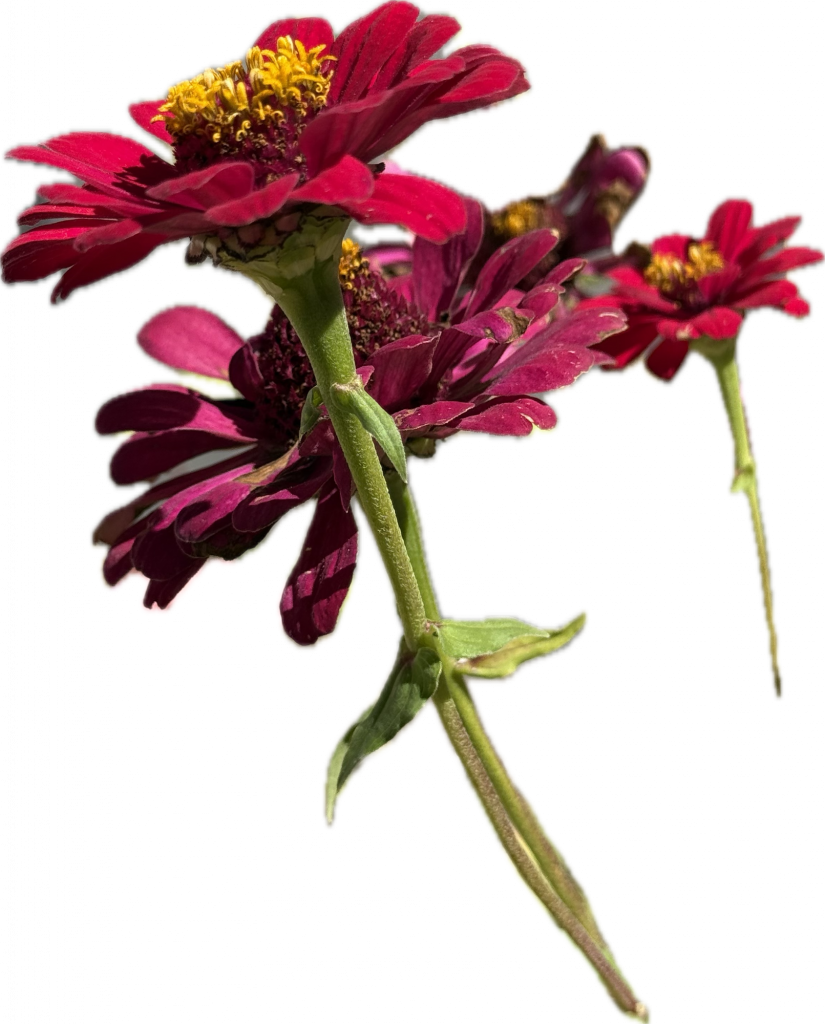
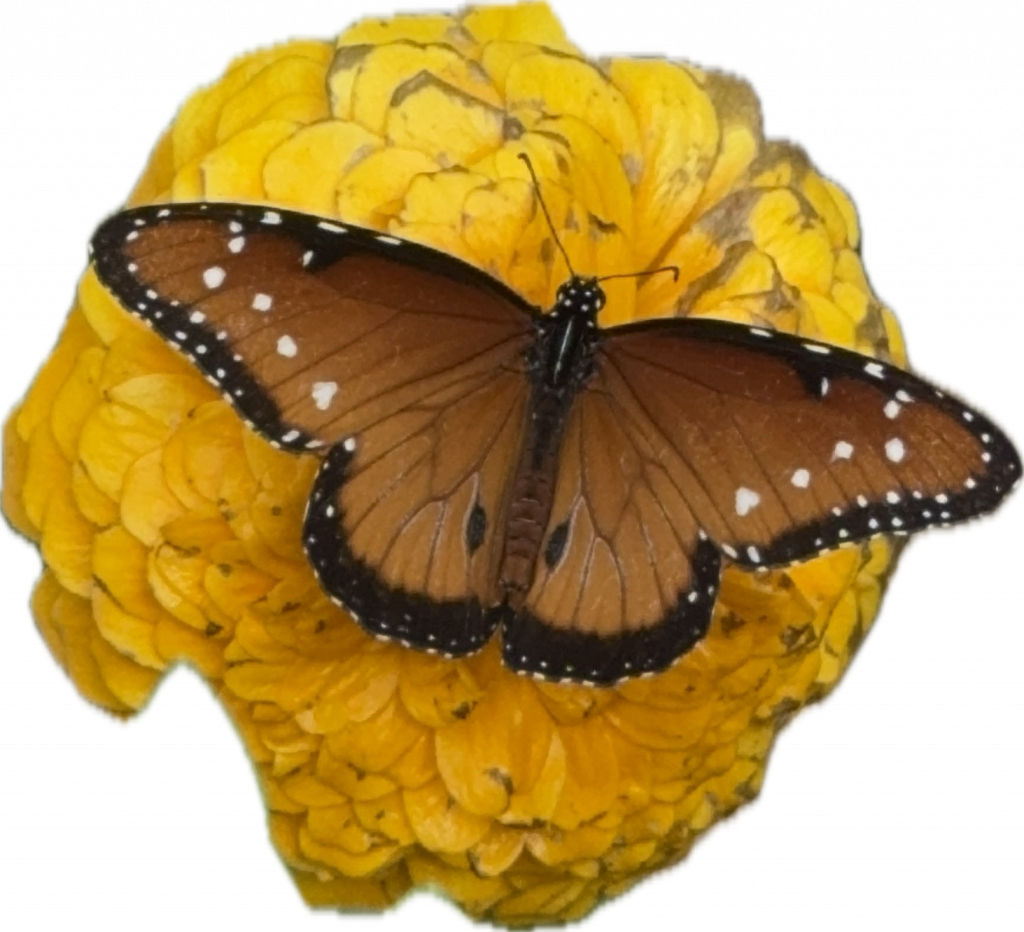
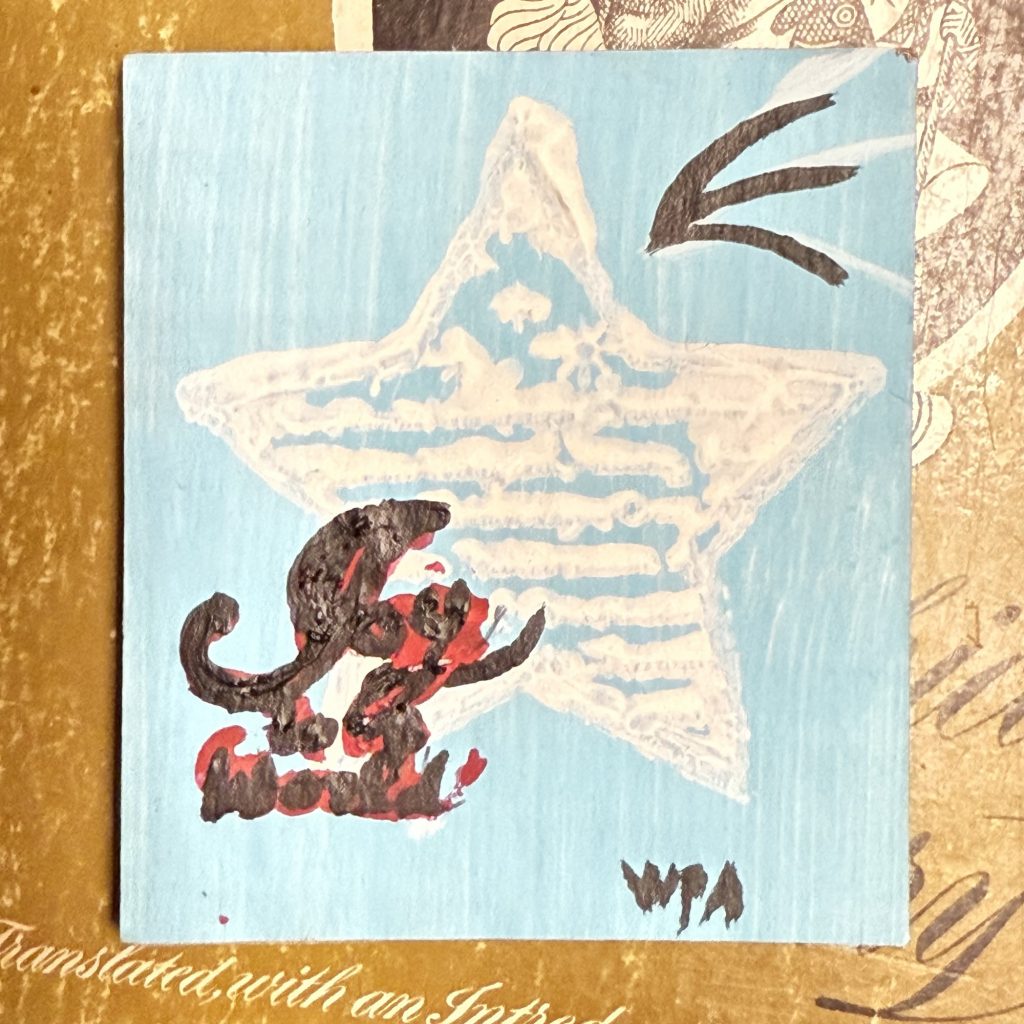


These pictures are the ones that used on this picture that I took.
I was taking pictures of the shoe for the pictures that I have named ‘Spring In My Shoe”. I have one of those Essentual oil misters that change colors. I have used that for some of my pictures to get different colors to show up. The. I had it in one of the special iPhone settings that I have talked about and explained how to use a couple of them in the portrait setting. So then the blue picture was taken with the light, the top one. Then in phonto you can add an item or an image onto one of your pictures. They have items like shapes and designs, and images are from your photos. Just choose another one of your photos. You can resize it to be smaller so that both pictures can be there. For the flowers above, that is one my pictures of my zinnias. While you are in your photos in your camera on an iPhone, you can highlight images in your photos and copy them so that the back ground is missing. I will explain that in the next post.
Leave a Reply